> For the complete documentation index, see [llms.txt](https://docs.yaycommerce.com/yaymail/llms.txt). Markdown versions of documentation pages are available by appending `.md` to page URLs; this page is available as [Markdown](https://docs.yaycommerce.com/yaymail/other-links/troubleshooting/continuous-loading.md).
# Continuous loading
How to troubleshoot the continuous loading on YayMail blank screen
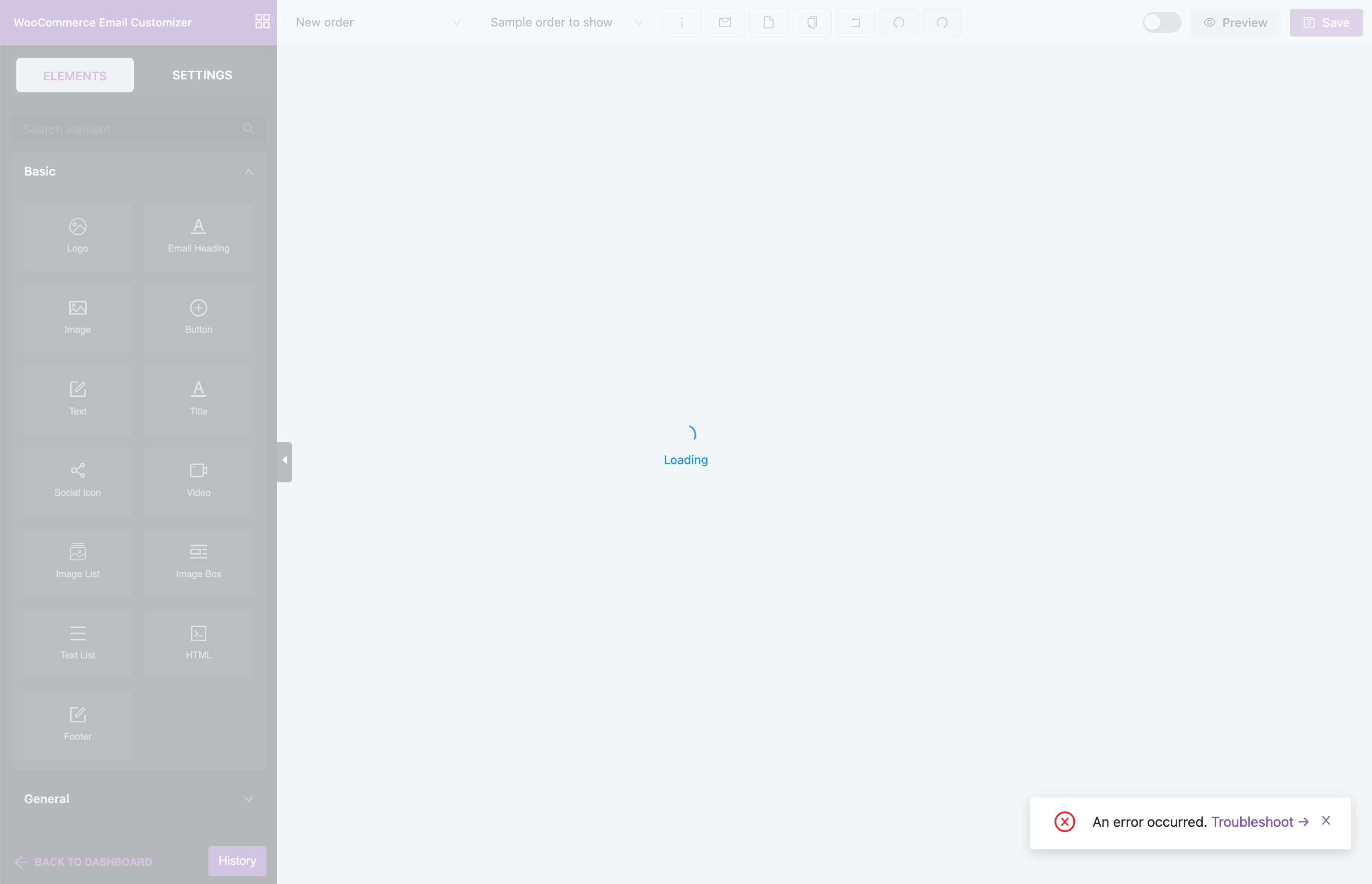
If you visit the WooCommerce Email Customizer and face "An error occurred" notice showing up on the bottom-right of the screen, here's how to troubleshoot it.
### What causes the issue
Most likely, it is often caused by some third-party functions.
For instance, if you have the [Smart Coupons](https://woocommerce.com/products/smart-coupons/) latest version 7.11, it may add some new functions that are not yet recognized by our YayMail Addon. As a result, the email customizer screen cannot load.
### How to fix it
In this case, we would need to reproduce the issue. Then we will be able to look into those third-party plugin versions to look for their new functions.
Here are the actions you need to take:
* Send us the screenshot or the list of activated plugins on your site where the issue is happening.
* Share the third-party plugins' ZIP files so we can reproduce the environment.
* If necessary, please create a temporary admin account for us, or share a [Temporary Login Without Password](https://wordpress.org/plugins/temporary-login-without-password/).
Once our tech team finishes supporting those new functions, we will release the fix in YayMail Addons for you!