> For the complete documentation index, see [llms.txt](https://docs.yaycommerce.com/yaymail/llms.txt). Markdown versions of documentation pages are available by appending `.md` to page URLs; this page is available as [Markdown](https://docs.yaycommerce.com/yaymail/addons/woocommerce-gift-cards.md).
# WooCommerce Gift Cards
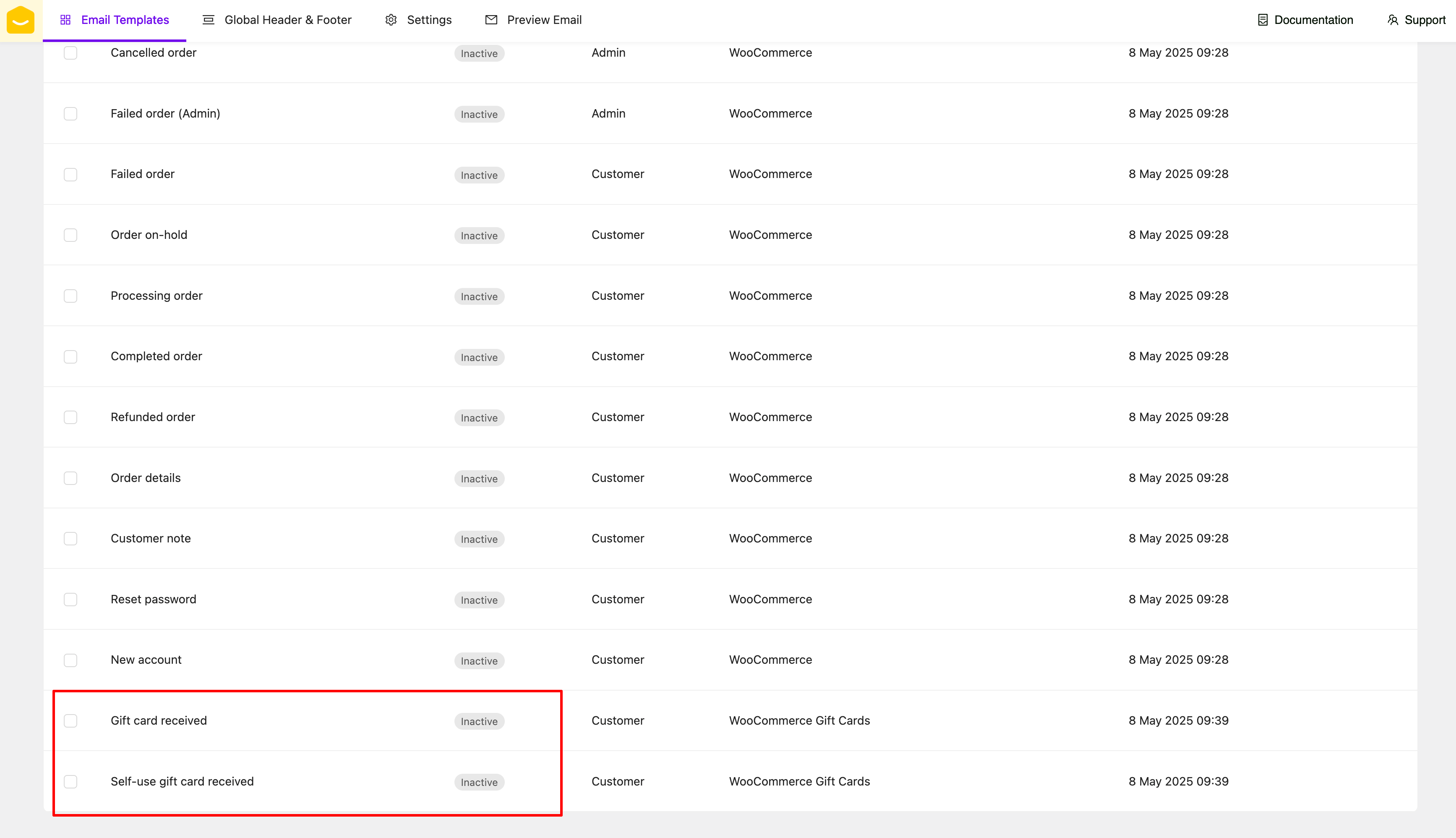
[YayMail Addon for WooCommerce Gift Cards](https://yaycommerce.com/yaymail-addons/yaymail-premium-addon-for-woocommerce-gift-cards/) allows you to customize templates generated by WooCommerce Gift Cards (by WooCommerce) in YayMail interface.
**REQUIRED: Here are the WordPress plugins you'll need for this guide.**
* WooCommerce
* YayMail (free/pro)
* [WooCommerce Gift Cards](https://woocommerce.com/products/gift-cards/)
* [YayMail Addon for WooCommerce Gift Cards](https://yaycommerce.com/yaymail-addons/yaymail-premium-addon-for-woocommerce-gift-cards/)
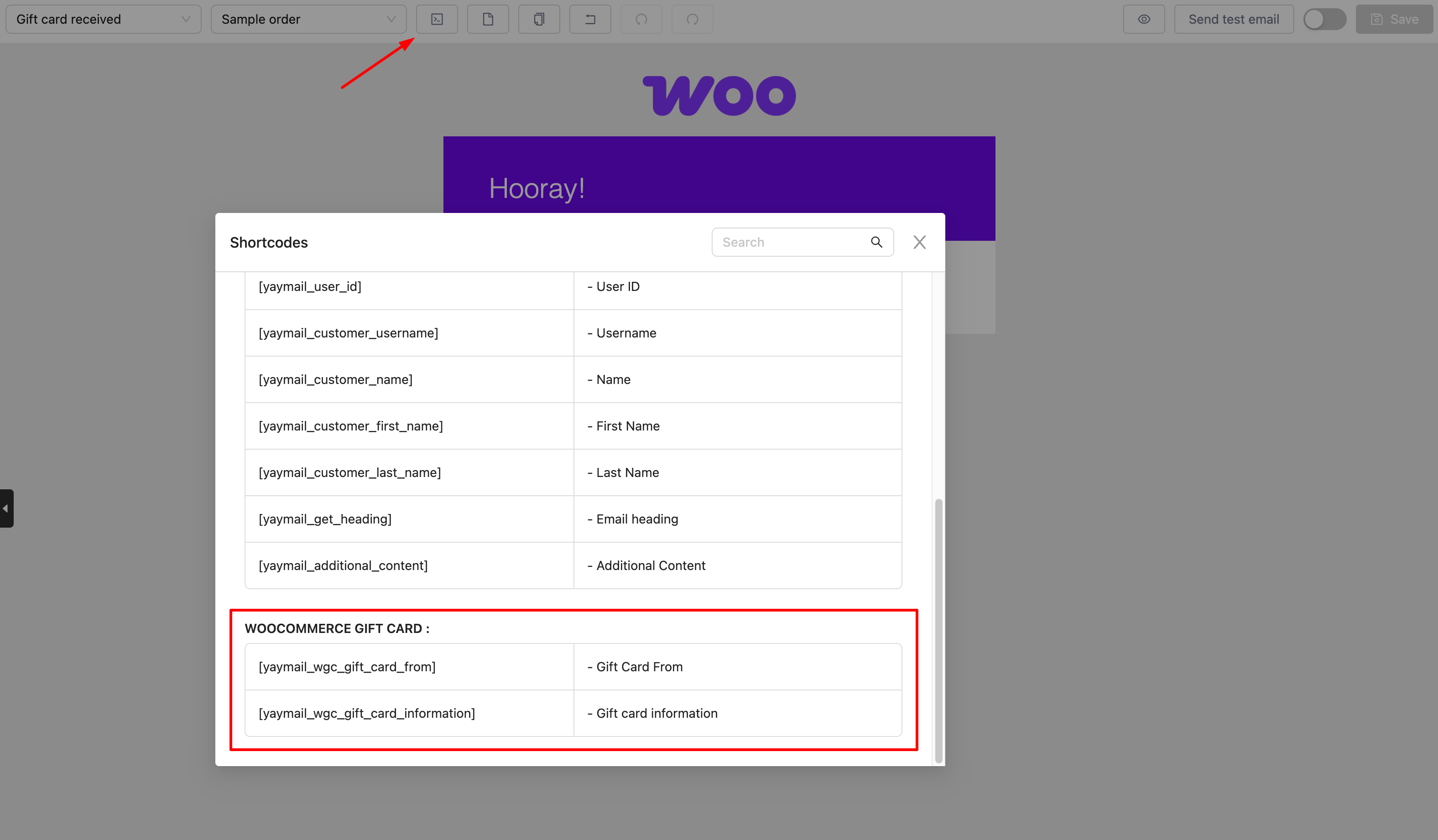
WooCommerce Gift Cards shortcodes are listed in the Shortcode section.
WooCommerce Gift Cards has one element here.
And don't forget to enable and save those templates.
Happy customizing! 🪄