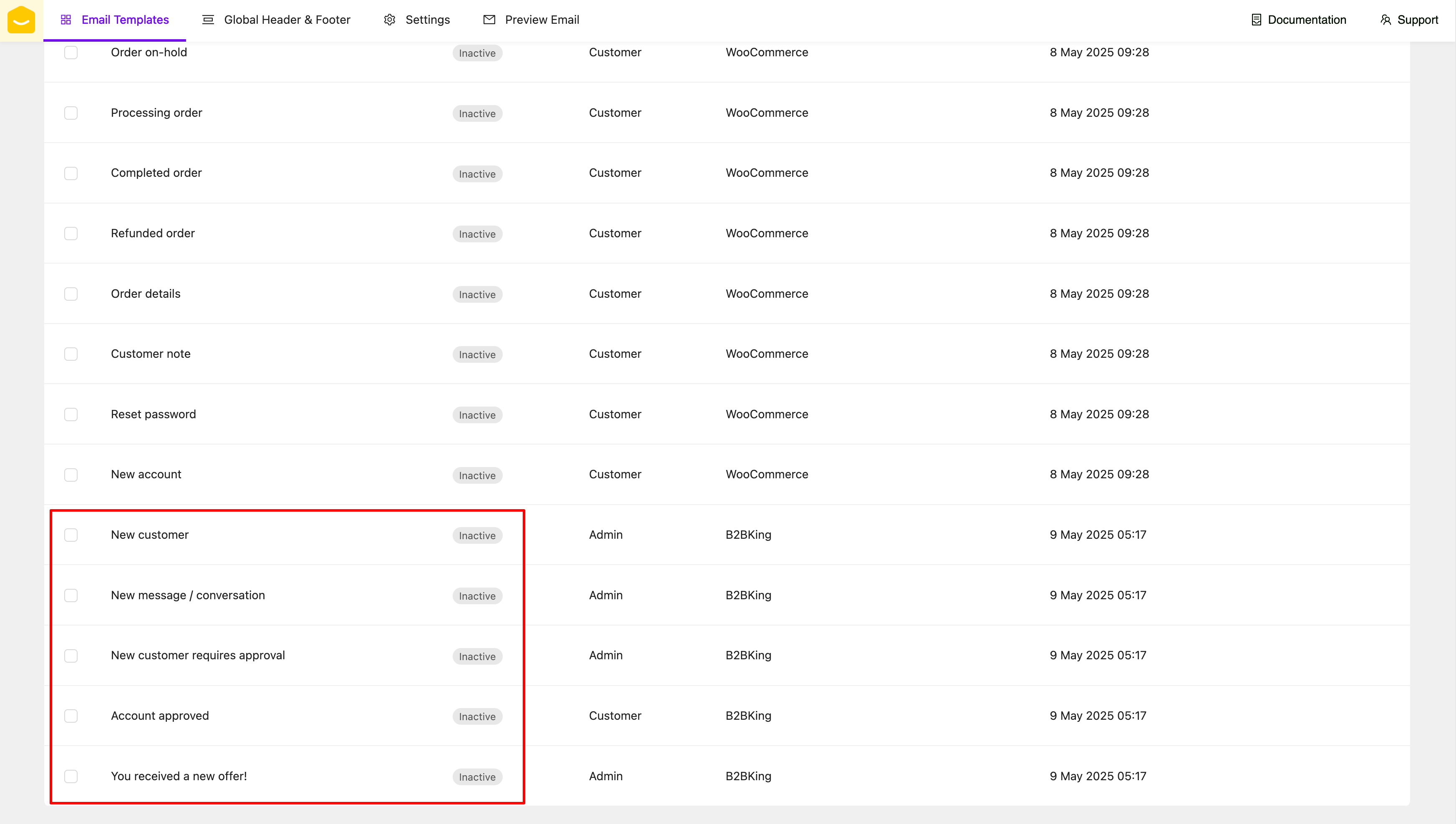
> For the complete documentation index, see [llms.txt](https://docs.yaycommerce.com/yaymail/llms.txt). Markdown versions of documentation pages are available by appending `.md` to page URLs; this page is available as [Markdown](https://docs.yaycommerce.com/yaymail/addons/b2bking.md).
# B2BKing
[YayMail Addon for B2BKing](https://yaycommerce.com/yaymail-addons/yaymail-addon-for-b2bking/) allows you to customize templates generated by B2BKing plugin (by WebWizards ) in YayMail interface.
**REQUIRED: In addition to these two plugins, here are the WordPress plugins you'll need for this guide.**
* WooCommerce
* YayMail (free/pro)
* [B2BKing — Ultimate WooCommerce Wholesale and B2B Solution](https://vi.wordpress.org/plugins/b2bking-wholesale-for-woocommerce/)
* [YayMail Addon for B2BKing](https://yaycommerce.com/yaymail-addons/yaymail-addon-for-b2bking/)
Apart from the extra blocks, you can add the source content to the email body. Please use those B2BKing shortcodes, which are listed in the **Shortcodes** section. Depending on the template you're editing, this section will display only the shortcodes that are available and compatible with that specific template.
B2BKing has one element for information here. You can drag and drop the **B2BKing Information** element to output the data inside the email template.
The availability of elements depends on the specific template you're editing. Elements that are compatible with the selected template will be enabled, while those that are not applicable will be disabled automatically.
And don't forget to enable and save those templates.
Happy customizing! 🪄