# Filter Bar
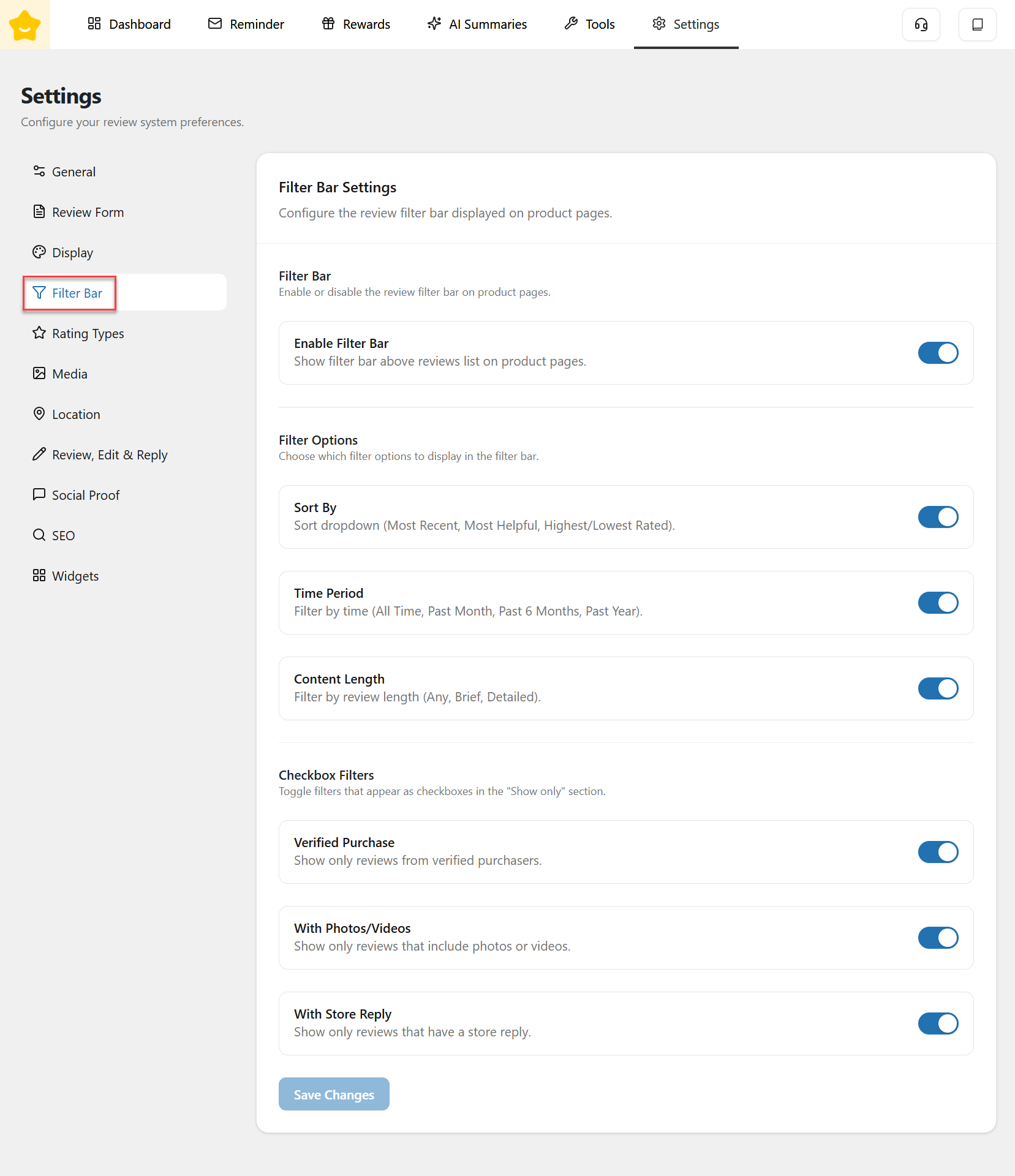
The **Filter Bar** allows you to configure how customers filter and sort reviews on product pages. This feature helps shoppers quickly find the most relevant reviews, improving usability and trust.
#### Enable Filter Bar
* **Enable Filter Bar:** Show the review filter bar above the reviews list on product pages.\
When disabled, reviews are displayed without filtering or sorting options.
#### Filter Options
Choose which filter controls are displayed in the filter bar.
* **Sort By:** Allows customers to sort reviews by:
* Most Recent
* Highest Rated
* Lowest Rated
* **Time Period:** Filter reviews by time range:
* All Time
* Past Month
* Past 6 Months
* Past Year
* **Content Length:** Filter reviews based on content length:
* Any
* Brief
* Detailed
#### Checkbox Filters
Enable filters that appear as checkboxes in the **“Show only”** section.
* **Verified Purchase:** Show only reviews submitted by verified purchasers.
* **With Photos/Videos:** Show only reviews that include images or videos.
* **With Store Reply:** Show only reviews that have a response from the store.