> For the complete documentation index, see [llms.txt](https://docs.yaycommerce.com/yayreviews/llms.txt). Markdown versions of documentation pages are available by appending `.md` to page URLs; this page is available as [Markdown](https://docs.yaycommerce.com/yayreviews/features/onboarding.md).
# Onboarding
Once YayReviews is installed successfully, navigate to YayCommerce > YayReviews.
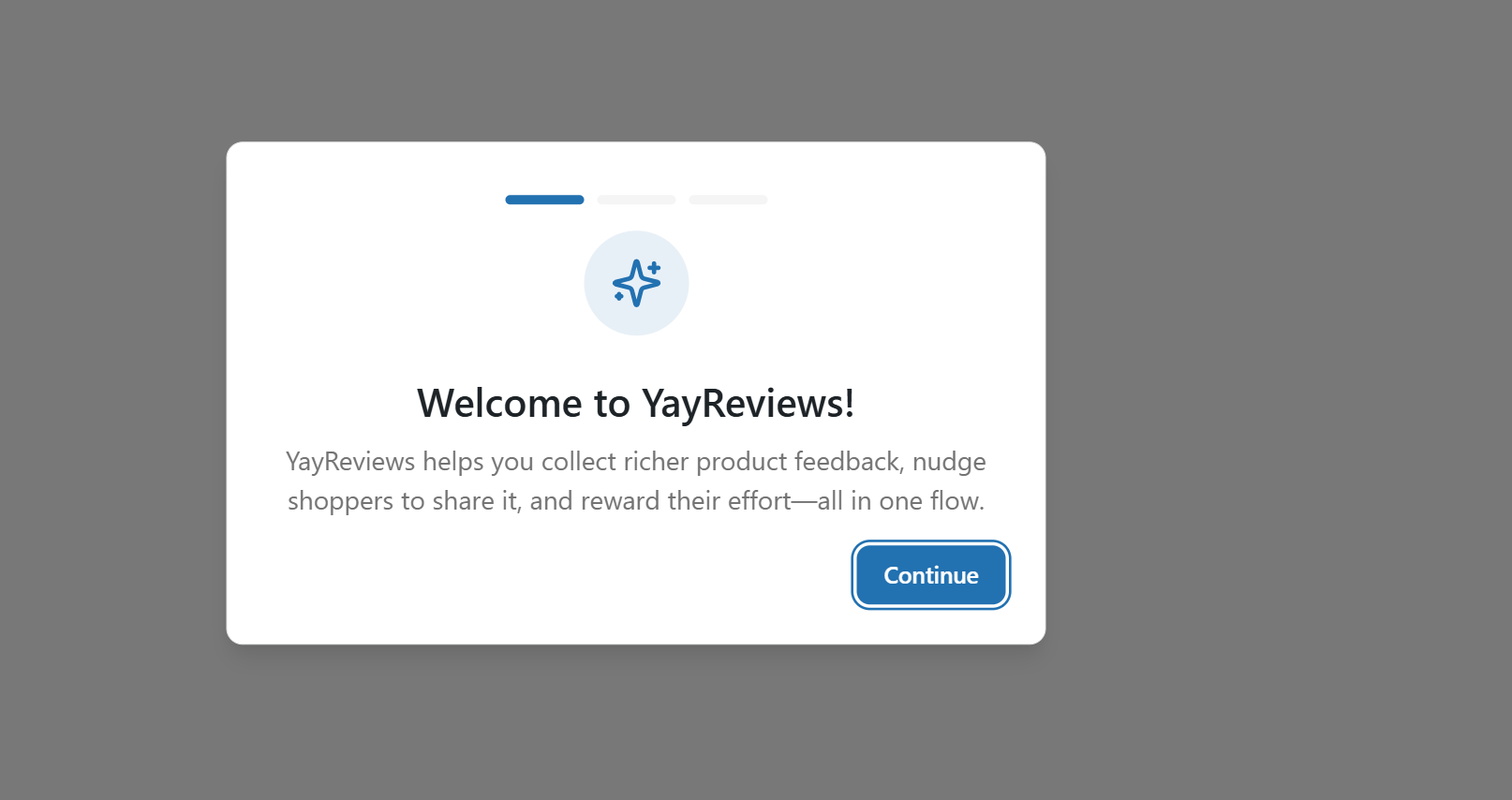
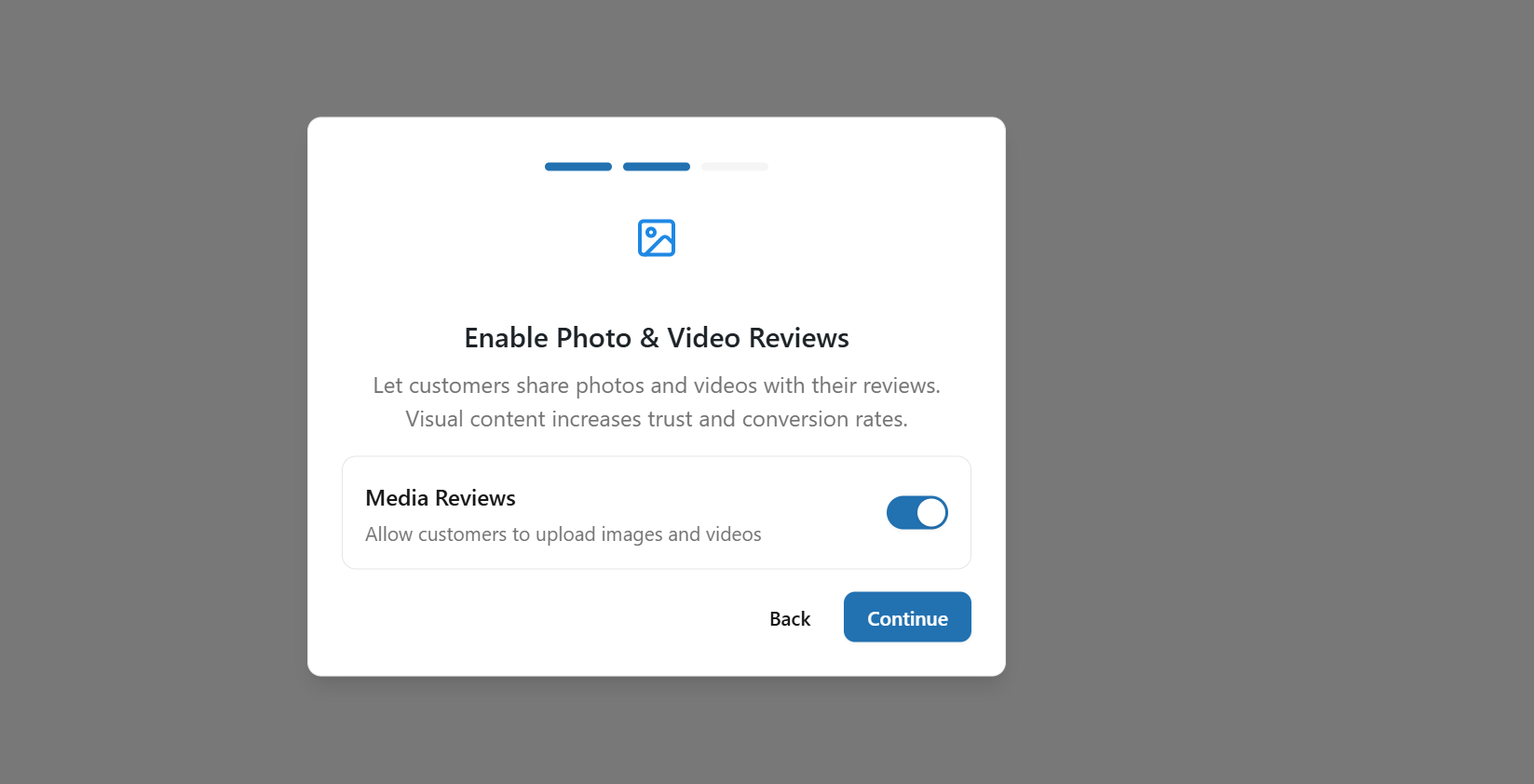
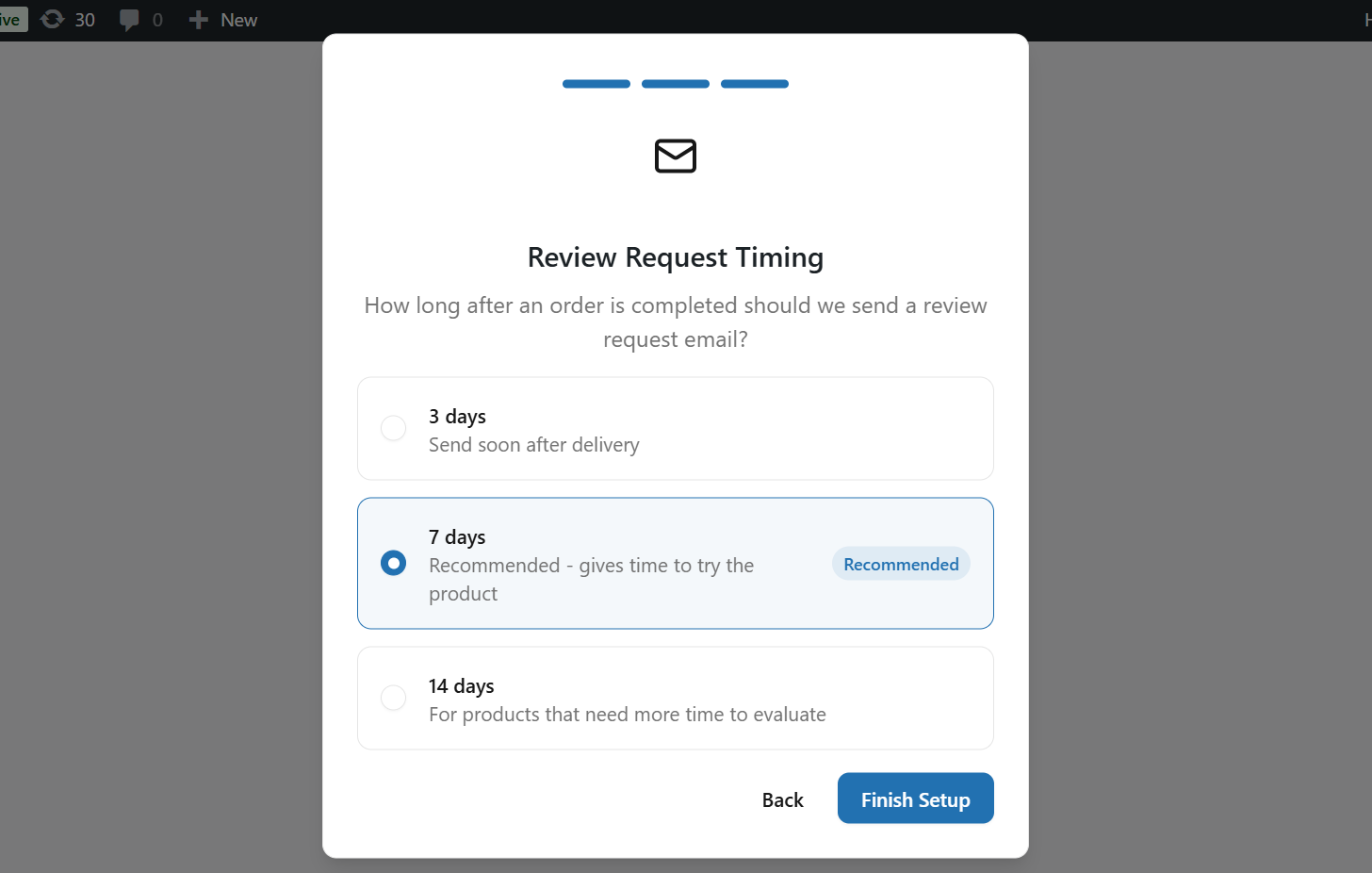
When you first install and access YayReviews, a setup wizard will appear to guide you through the initial configuration. This wizard allows you to choose whether to allow customers to upload images and videos, and to configure the Review Request Timing, including how many days after an order is completed the review request should be sent.
After finishing the wizard, you will see the YayReviews Dashboard screen displayed.
**(1).** [**Dashboard**](https://docs.yaycommerce.com/yayreviews/how-it-works/dashboard)**:** The Dashboard gives you an overview of your review activity and engagement metrics. Here, you can quickly see total reviews, average ratings, pending review request emails, recent reviews, rating distribution, and top-reviewed products. This is the central place to monitor overall performance at a glance.
**(2).** [**Reminder**](https://docs.yaycommerce.com/yayreviews/how-it-works/reminder)**:** Allows you to add rules to configure when and how review request emails are sent, customize review request email templates, and view and manage scheduled review request emails.
**(3).** [**Rewards**](https://docs.yaycommerce.com/yayreviews/how-it-works/rewards)**:** Allows you to create and manage incentives for customers who leave reviews, customize the emails sent when customers earn rewards, and view the history of rewards sent for customer reviews.
**(4).** [**Tools**](https://docs.yaycommerce.com/yayreviews/how-it-works/tools)**:** Allows you to import reviews from other platforms, upload and map CSV files, preview and confirm imported data, and manage import history and database records.
**(5).** [**Settings**](https://docs.yaycommerce.com/yayreviews/how-it-works/settings)**:** Allows you to configure your review system preferences, including review behavior, form settings, display options, rating types, media permissions, location settings, review moderation and replies, social proof features, and SEO optimization.
**(6).** [**Extentions**](https://docs.yaycommerce.com/yayreviews/how-it-works/extentions)**:** Access additional features and add-ons to enhance your review system, such as Badges, AI Summaries, Store Reviews and Q\&A.
---
# Agent Instructions
This documentation is published with GitBook. GitBook is the documentation platform designed so that both humans and AI agents can read, navigate, and reason over technical content effectively. Learn more at gitbook.com.
## Querying This Documentation
If you need additional information that is not directly available in this page, you can query the documentation dynamically by asking a question.
Perform an HTTP GET request on the current page URL with the `ask` query parameter, and the optional `goal` query parameter:
```
GET https://docs.yaycommerce.com/yayreviews/features/onboarding.md?ask=&goal=
```
`ask` is the immediate question: it should be specific, self-contained, and written in natural language.
`goal` is optional and describes the broader end goal you are ultimately trying to accomplish on behalf of the user. GitBook uses it to tailor the answer towards what is most useful for that goal.
The response will contain a direct answer to the question and relevant excerpts and sources from the documentation.
Use this mechanism when the answer is not explicitly present in the current page, you need clarification or additional context, or you want to retrieve related documentation sections.