> For the complete documentation index, see [llms.txt](https://docs.yaycommerce.com/yaypricing/llms.txt). Markdown versions of documentation pages are available by appending `.md` to page URLs; this page is available as [Markdown](https://docs.yaycommerce.com/yaypricing/reports.md).
# Reports
View YayPricing reports to find out the best promotions
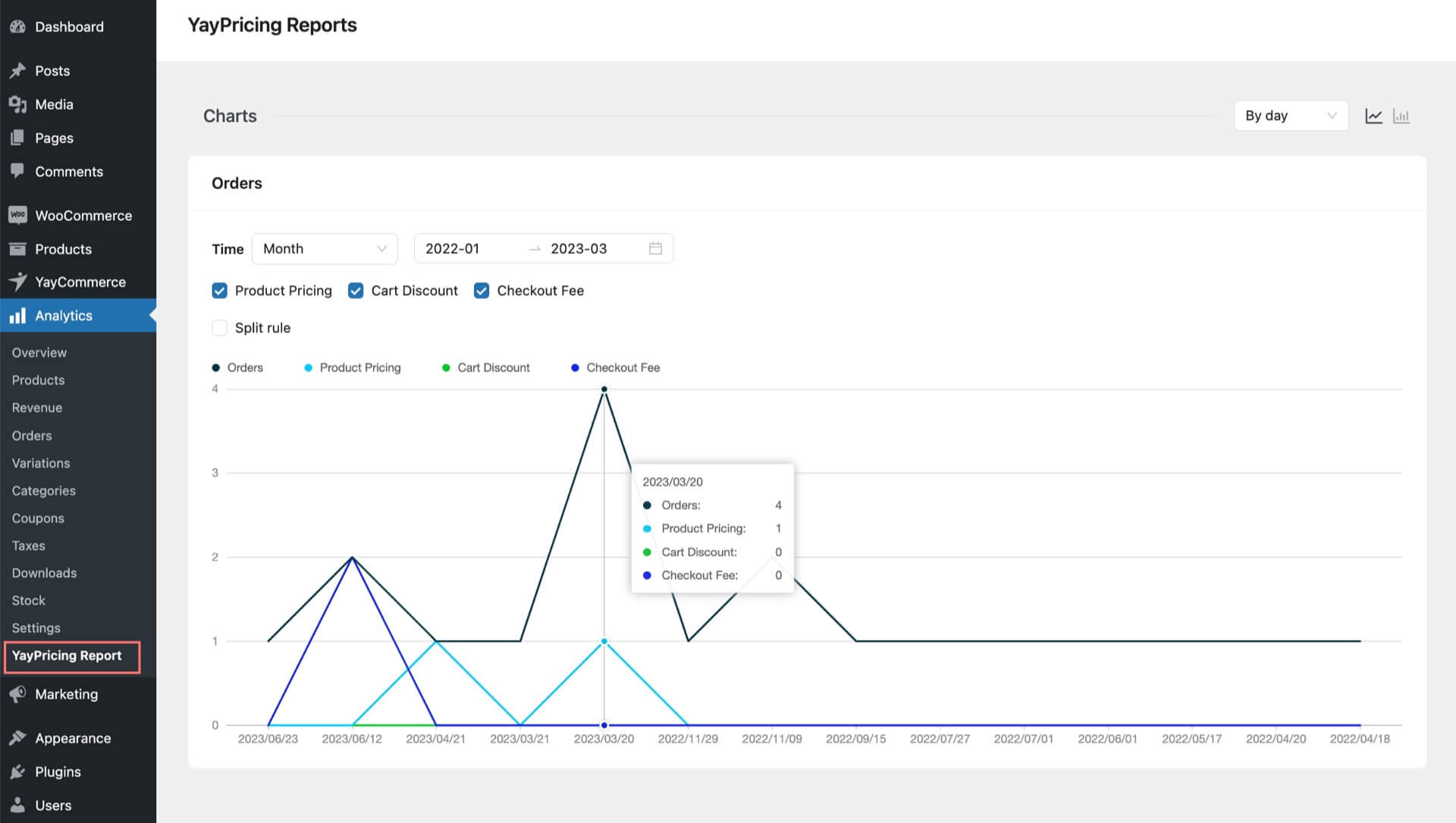
You can filter and view WooCommerce sales reports based on types of discounts or individual pricing rules.
Just navigate to **Analytics** > **YayPricing Reports** and pick a time range from the dropdown selections. Then you will be able to view the performance of your store orders based on filtered discount rules.